Published on: Thu 01-Jan-1970 12:00 AM
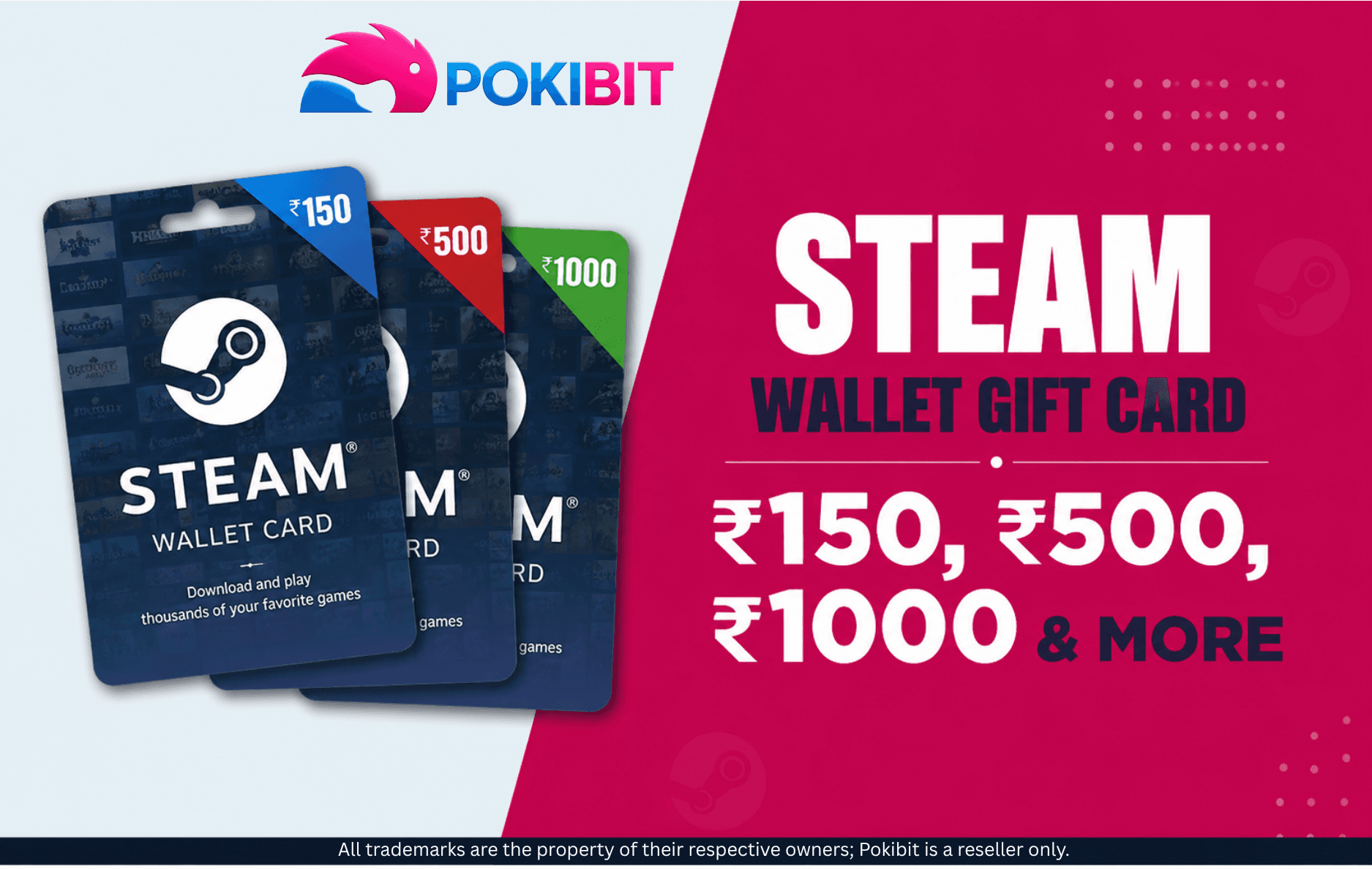
Looking to add funds to your Steam account in India? Steam Wallet Gift Cards make it easy to top up your balance and buy your favourite games and in-game content. In this guide, we'll cover the available denominations, how to buy and redeem a gift card, and a few important things to check before you make a purchase.
A Steam Wallet Gift Card is a prepaid code that adds money to your Steam Wallet. You can use the balance to buy games and other eligible items on Steam. It's a convenient way to manage your gaming budget and makes a great gift for PC gamers.
The ₹150 card suits smaller top-ups, like a single low-cost title or some in-game content. The ₹500 card is a practical middle-ground for regular gamers, especially useful for grabbing games or DLC during Steam sales. The ₹1000 card suits players planning bigger purchases or multiple items in one go. Pokibit's listing also includes other values such as ₹250 and ₹2500, so you can pick an amount closer to your budget.
Important: These figures refer to the Steam Wallet value you receive after redemption — not necessarily the price you pay at checkout. Always check the current selling price on the product page separately from the wallet value.
Head to the Pokibit Steam Wallet Gift Card page and pick the value that matches your gaming budget. Follow the checkout steps and review your order summary before confirming payment. Once processed, you can access your code through your Pokibit account or order details — the product page currently advertises instant delivery along with 24/7 support, so your code should be available shortly after purchase.
You can then use the balance for PC games, DLC, eligible in-game content, and other eligible Steam Store purchases.
A ₹150 or ₹250 gift card is ideal for occasional buyers who want to top up their balance for a single, low-cost item. A ₹500 gift card is a good choice for regular players, offering more flexibility to purchase one or two games during a sale. For frequent buyers or those planning to shop during major sales, a gift card worth ₹1000 or more is a great option for making several purchases at once. However, if you are budget-conscious, choosing a gift card of any value based on your actual budget can help you avoid leaving an unused wallet balance.
Check the region compatibility first, as Pokibit’s Steam Wallet INR codes are meant for India-region Steam accounts. Before buying, verify the denomination, order details, and seller, and keep your purchase confirmation until the code is redeemed.
Can I buy a ₹150 Steam Wallet Gift Card? Yes, smaller denominations like ₹150 are available and suit users who want to add a modest amount to their wallet.
What can I buy with Steam Wallet funds? You can use the balance for games, DLC, and other eligible content available on the Steam Store.
Can I use an Indian Steam Wallet code on any Steam account? No, Indian Steam Wallet codes are region-locked and meant for Steam accounts registered in India.
How long does a Steam Wallet Gift Card take to arrive? Pokibit advertises instant delivery, so your code should be accessible shortly after your order is confirmed.
Do Steam Wallet Gift Cards expire? Redeemed funds typically remain in your Steam Wallet without a set expiry, but always confirm current terms on Steam.
What should I do if my Steam Wallet code does not work? Double-check the code entry and your account region, then contact support if the issue continues.

Ready to add funds to your Steam Wallet? Choose the denomination that fits your gaming budget, from smaller values like ₹150 to larger options such as ₹500, ₹1000, and more. Check the region compatibility before purchasing and explore the available Steam Wallet Gift Cards on Pokibit for a convenient digital buying experience.
Contact support@pokibit.com.

How to Buy Super Mario Odyssey with a Nintendo eShop Voucher (Global)

Amazon Prime Voucher: Buy, Redeem & Activate Prime Membership Online

How To Buy Roblox Gift Cards Online With Exclusive Discounts: A Complete Step-by-Step Guide

How To Top Up Your SUGO Voice Live Chat Party Account Online: A Complete Step-by-Step Guide

How To Buy And Redeem Valorant Vouchers (Global): A Complete Step-by-Step Guide

How to Save Money on Chamet Diamond Recharge Without Compromising Security
Beginner's Guide to Using a Star Maker Digital Gift Card on Any Device

Poppo Live Recharge Guide 2026: Get Bonus Coins, Save Money & Top Up Securely

How to Redeem Nintendo eShop Gift Card: A Complete Guide

Buy Steam Gift Card Online and Enjoy Elden Ring, Destiny 2, and More
